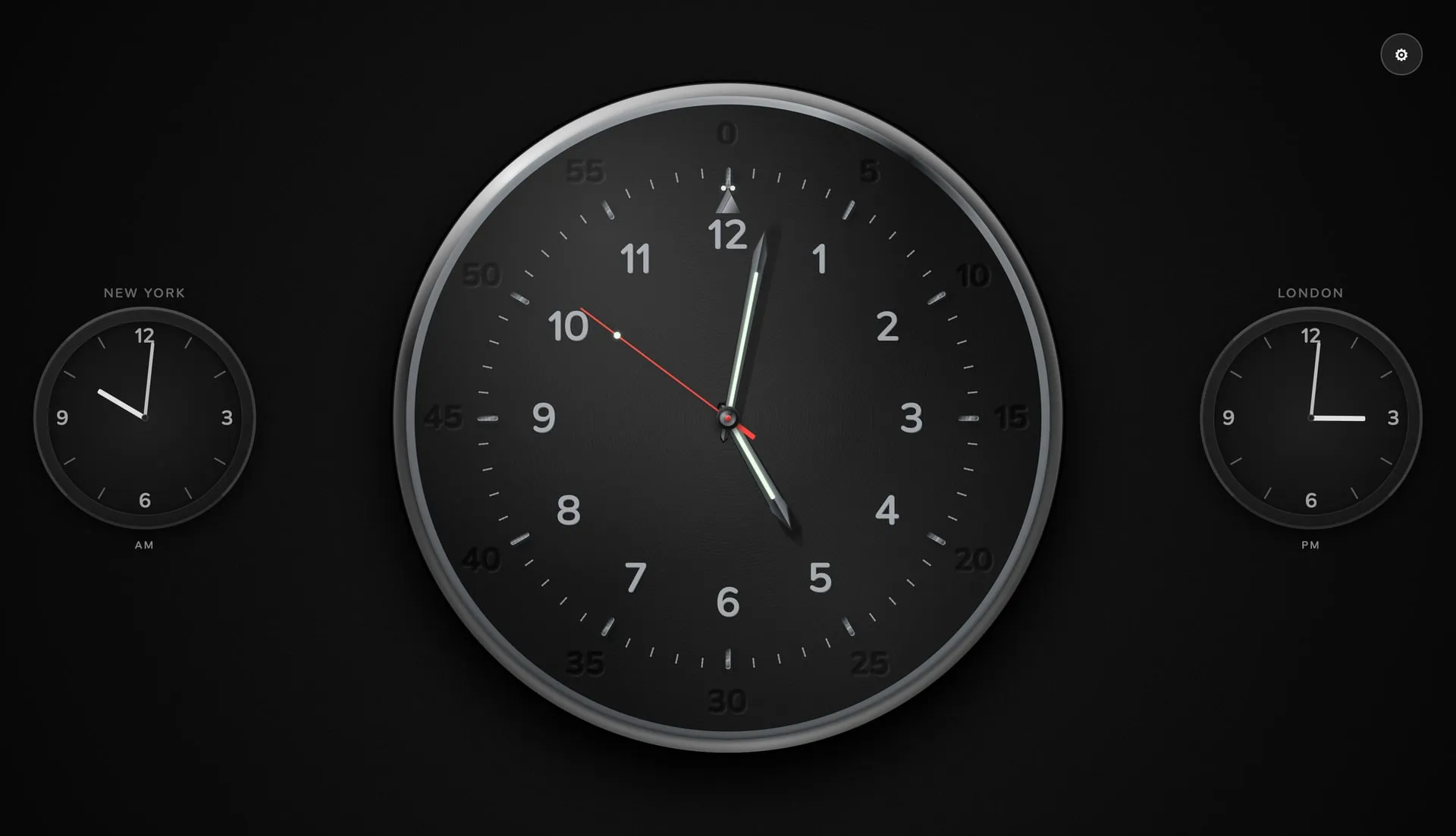
I have built three clock apps for LG TVs now, which sounds excessive until you consider that they ended up doing three different jobs.
Night Watch is the all-rounder: digital and analog faces, weather, alarms, and a timer for the living room. Studio Clock is the broadcast one: a cumulative 60-dot seconds ring, glowing digits, an ON AIR badge, and little else. It is the clock I use myself — after almost twenty years in broadcast, that is still the kind of clock I find comforting.
Office Clock is the third, and the odd one out. It is the only one I did not build for myself. It is for offices.
The brief was not “make me a clock”. It was “make a clock for a room where people work”: a TV that stays on all day, is seen from across the room by people who did not choose to look at it, and should still be readable without becoming the centre of attention. A 55-inch screen should hold a dial the way a wall holds a clock.
The watch part
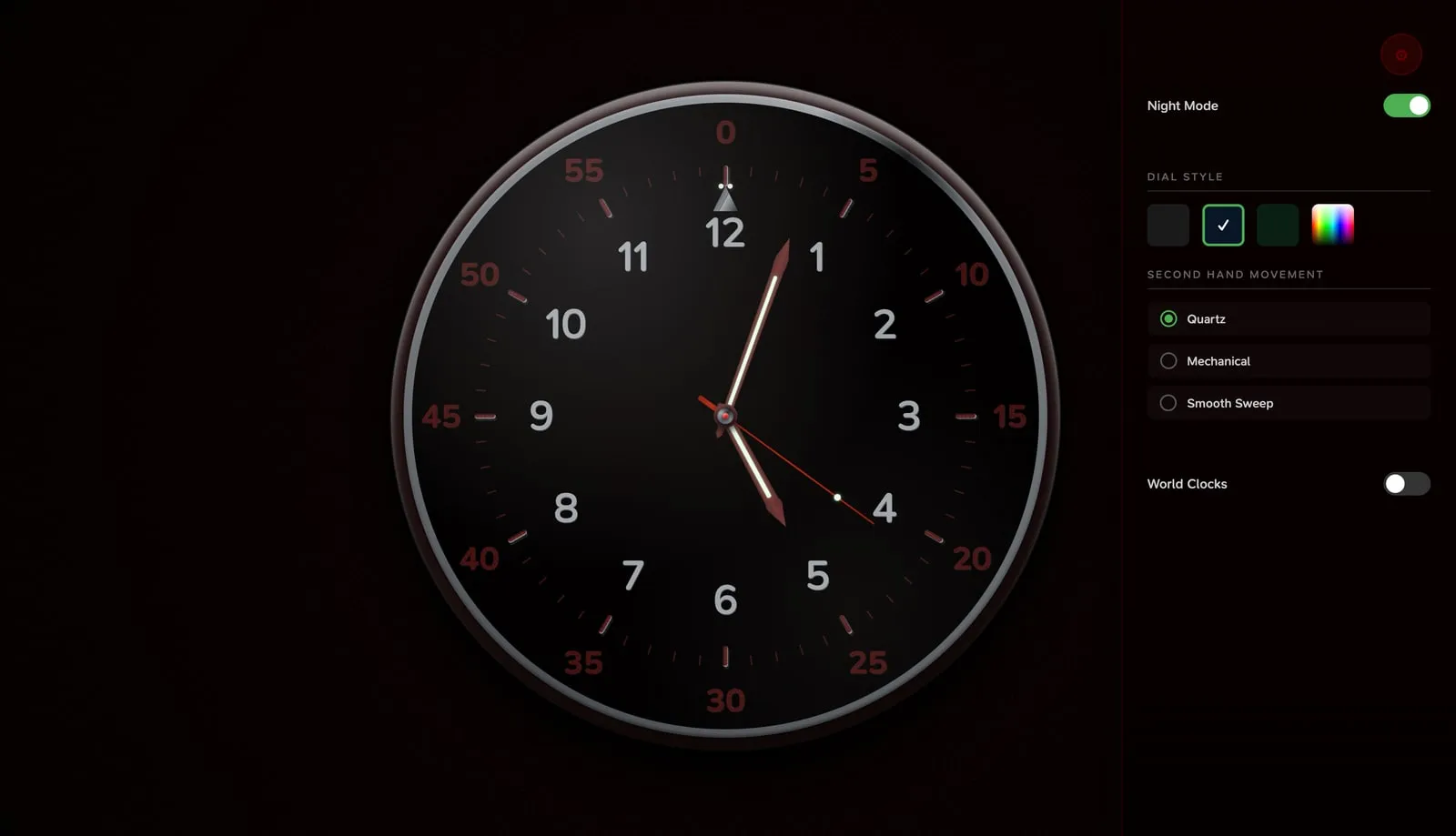
The dial is built from DOM elements, not canvas: an 800×800 coordinate space scaled to the screen, 60 markers, sword-shaped hands, a brushed-steel bezel, a glass reflection, and per-element lighting that shifts the highlights depending on where each marker sits relative to a virtual light at the top left. Five textures, seven dial colours, and a night mode that turns the face deep red — either thoughtful design or a very expensive red filter.
The second hand has three personalities. Quartz ticks once per second with a small overshoot. Mechanical beats eight times per second, because a real movement is not a metronome. Smooth sweep is exactly what it says. The ticking is synthesized with the Web Audio API instead of shipping an audio file, and it is muted by default — partly because silence suits an office, mostly because nobody has ever asked a clock to be louder.
Keeping the TV awake and reducing burn-in risk
A clock app for a TV is mostly not a clock app. It is an argument with three platform behaviours.
The TV wants to sleep. A hidden 1×1 canvas changes a pixel, captureStream() turns it into a video stream, and the TV decides that somebody is watching something. There is a silent-video fallback and a Wake Lock request for devices that need extra convincing.
Static content can cause burn-in on an OLED panel. Every minute the whole interface shifts by a random fraction of a percent. The movement is meant to be unobtrusive and reduce prolonged exposure in the same position; it cannot eliminate burn-in risk. An hourly reload keeps a clock that runs for days from slowly becoming a memory leak with hands.
The remote wants a UI. The settings panel has its own spatial navigation: up and down through controls, left and right through dropdowns, Back to close the panel or leave the app. The world clocks use region and city selectors, because scrolling through a few hundred cities with four arrow buttons is not a feature.
What ships
Office Clock is available on the LG Content Store. It runs on LG webOS TVs from 2021 onward: 22 languages, two world clocks, three movement types, and a handful of textures in a package under 2 MB. The app is still three source files and a manifest: index.html, styles.css, app.js, and appinfo.json. No framework, no bundler, no node_modules in the final IPK.
Night Watch is still the one I open when I want the time, the weather, and a timer. Studio Clock is the one I leave on in the evening. Office Clock is not for my living room at all. It is for the office down the hall, the meeting room, and the lobby — for anyone who wants a screen to tell the time without asking for anything in return.